Description
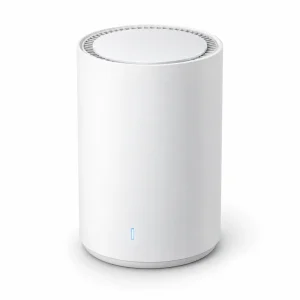
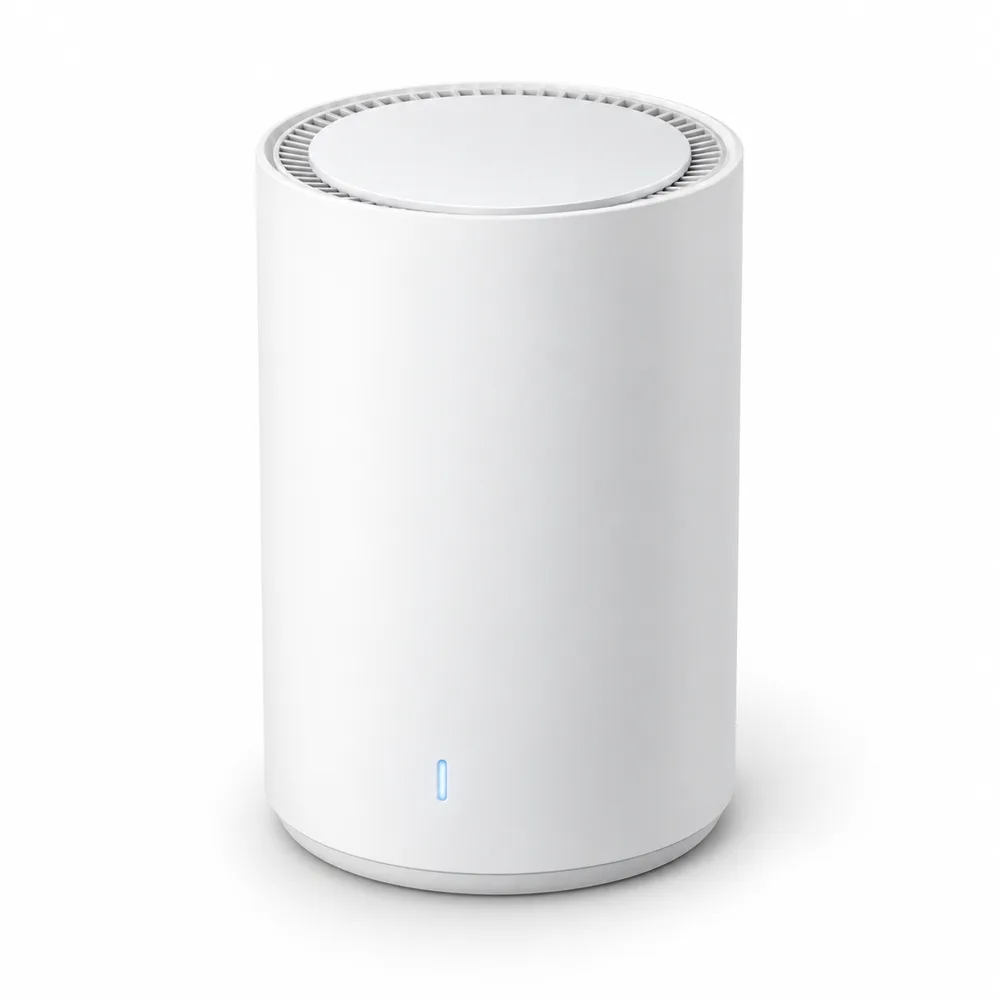
A Wi-Fi 7 router in a white cylinder that stands on a shelf instead of hiding in a cabinet. One Netra Mesh 7 covers an apartment or a smaller house on its own; when a basement or a far bedroom drops out, a second unit links up with the first and turns it into a mesh system on the same network name.
In the test house for our Wi-Fi guide, about 2,400 sq ft on two floors plus a basement with a 1 Gbps fiber plan, one unit in the living room delivered 890 Mbps there, 410 Mbps in the upstairs office and 95 Mbps in the basement. A second unit in the upstairs hallway, linked by a cable, raised the office to 820 Mbps and the basement to 530 Mbps. The full test explains when one router is enough.
Ports and setup
- Two 2.5 GbE ports: one for the modem, one for a desktop PC, a NAS or a switch
- With Ethernet in the walls, one port can link a second unit by cable, so the link between them costs no speed
- Setup from a phone app took us about ten minutes
- Wi-Fi 5 and Wi-Fi 6 devices connect as usual, at their own speeds
Where to put it
- Near the middle of the home, at desk height or higher, not on the floor
- Out of a closed TV cabinet
- Upright, with a few inches of space above the vent on top
The single light on the front stays a soft blue when everything works and turns amber when the internet is down, so it does not light up a bedroom at night. Laptops with Wi-Fi 6E, such as the Nordan Book 15, use its 6 GHz band as well.

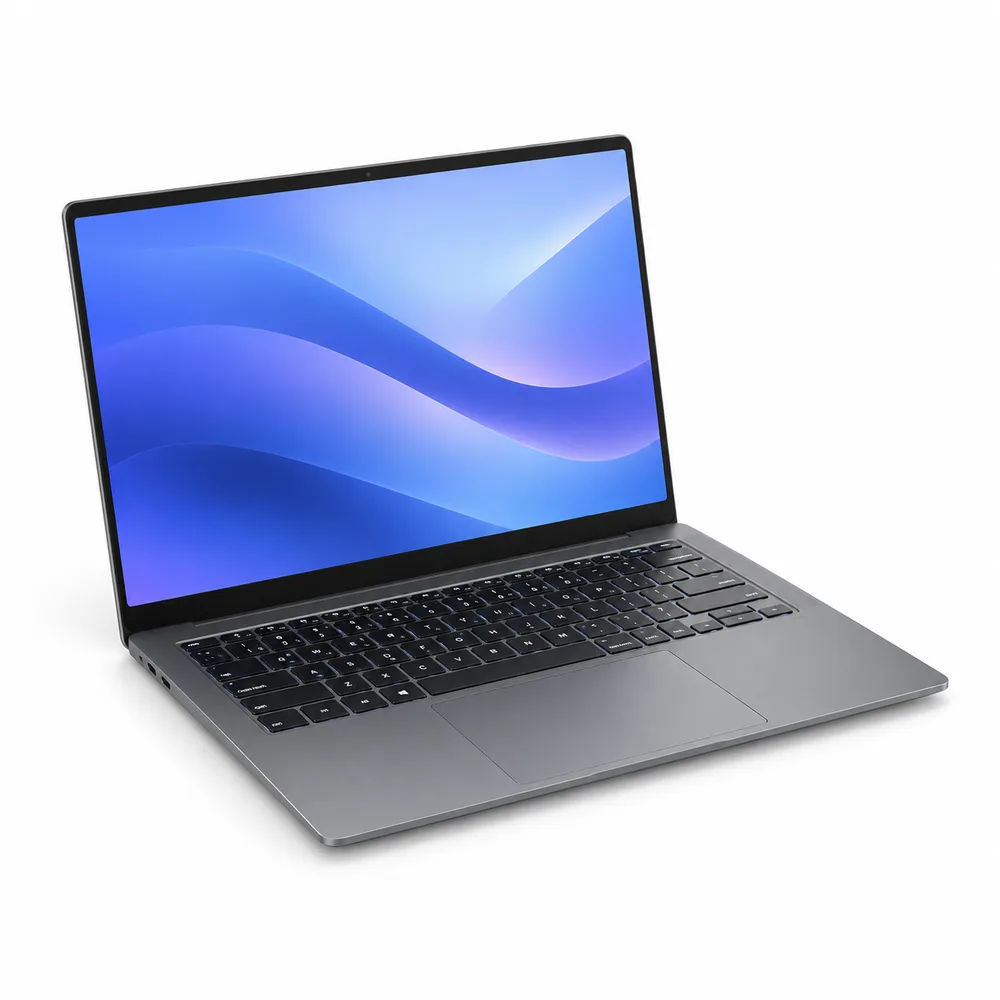
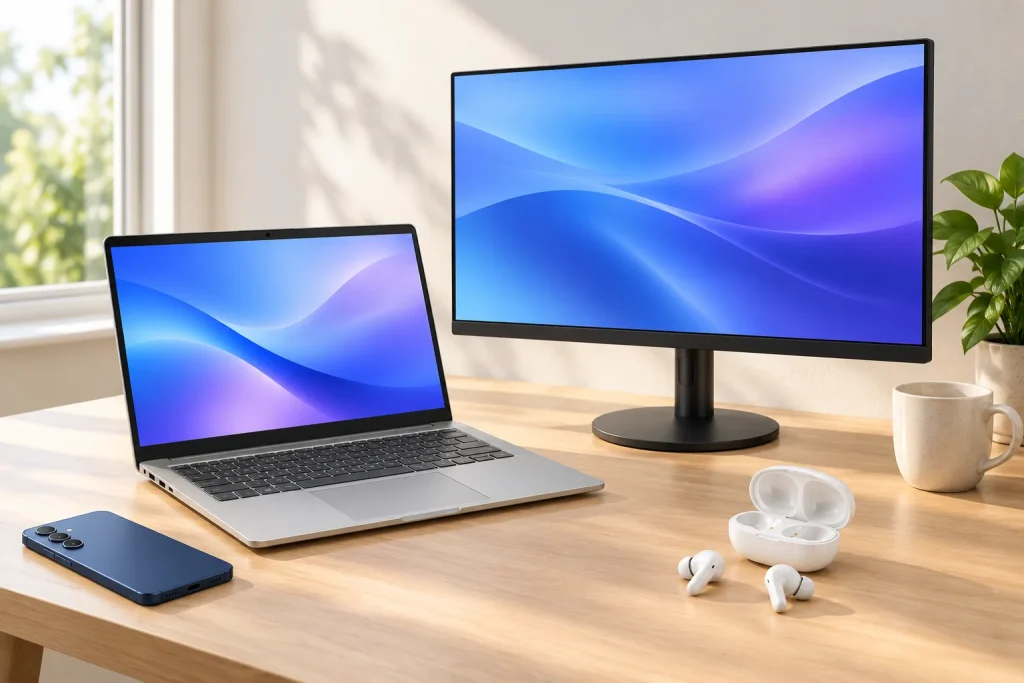 1: Nordan Book 15 Laptop – Ryzen 7 8845HS, 32 GB RAM, 1 TB SSD, 15.6" 2.8K 120 Hz
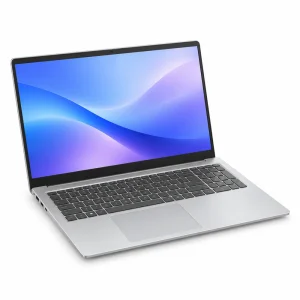 Nordan Book 15 Laptop – Ryzen 7 8845HS, 32 GB RAM, 1 TB SSD, 15.6" 2.8K 120 Hz32 GB · 1 TB$9992: Klarvis 27Q 27" QHD Monitor – 2560 × 1440, IPS, 165 Hz, USB-C 90 W
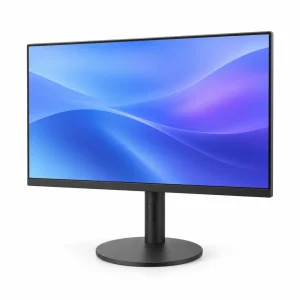 Klarvis 27Q 27" QHD Monitor – 2560 × 1440, IPS, 165 Hz, USB-C 90 W Original price was: $349.$299Current price is: $299.3: Aura Buds Pro True Wireless Earbuds – Noise Canceling, Bluetooth 5.3, White
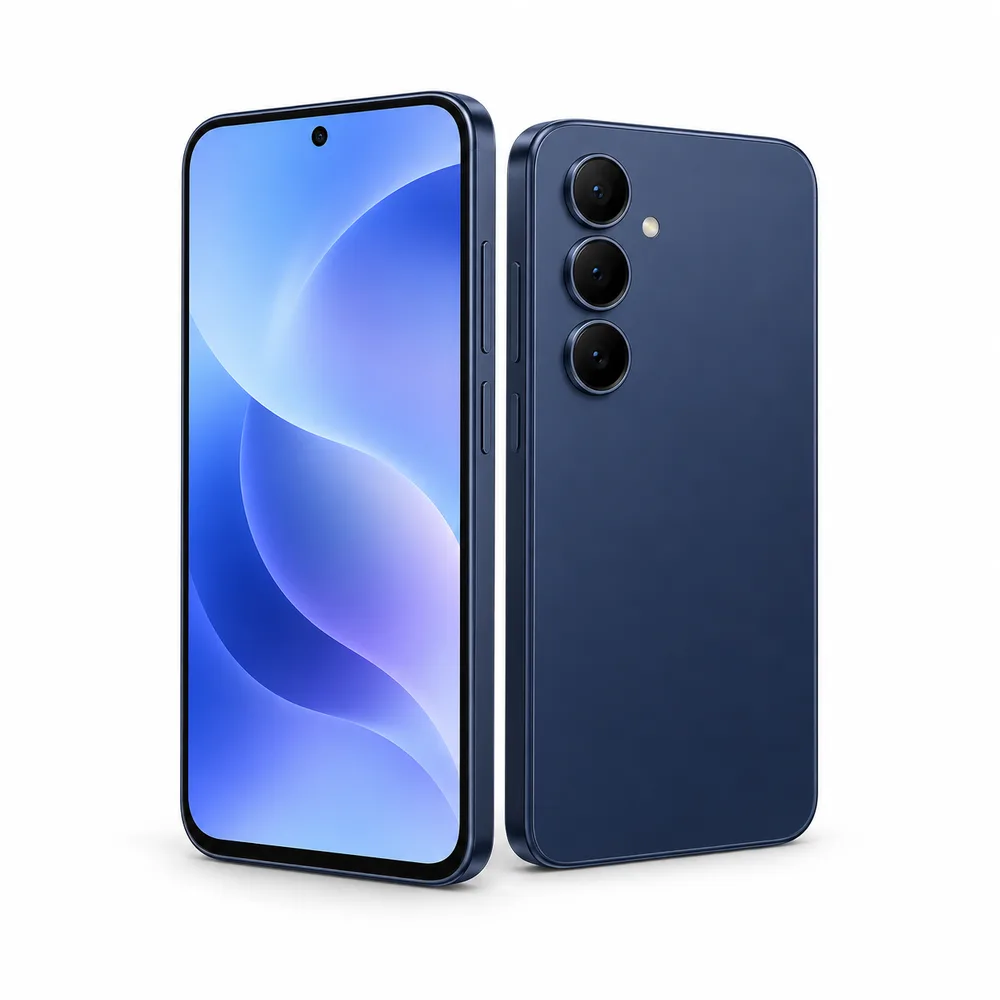
 Aura Buds Pro True Wireless Earbuds – Noise Canceling, Bluetooth 5.3, White$1294: Veyra S6 Smartphone (Unlocked) – 8 GB/256 GB, 6.7" 120 Hz, 50 MP Camera, Navy
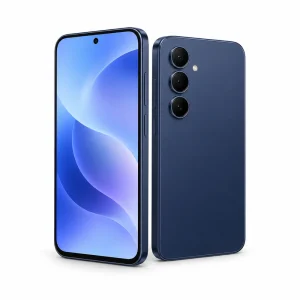 Veyra S6 Smartphone (Unlocked) – 8 GB/256 GB, 6.7" 120 Hz, 50 MP Camera, Navy256 GB$599