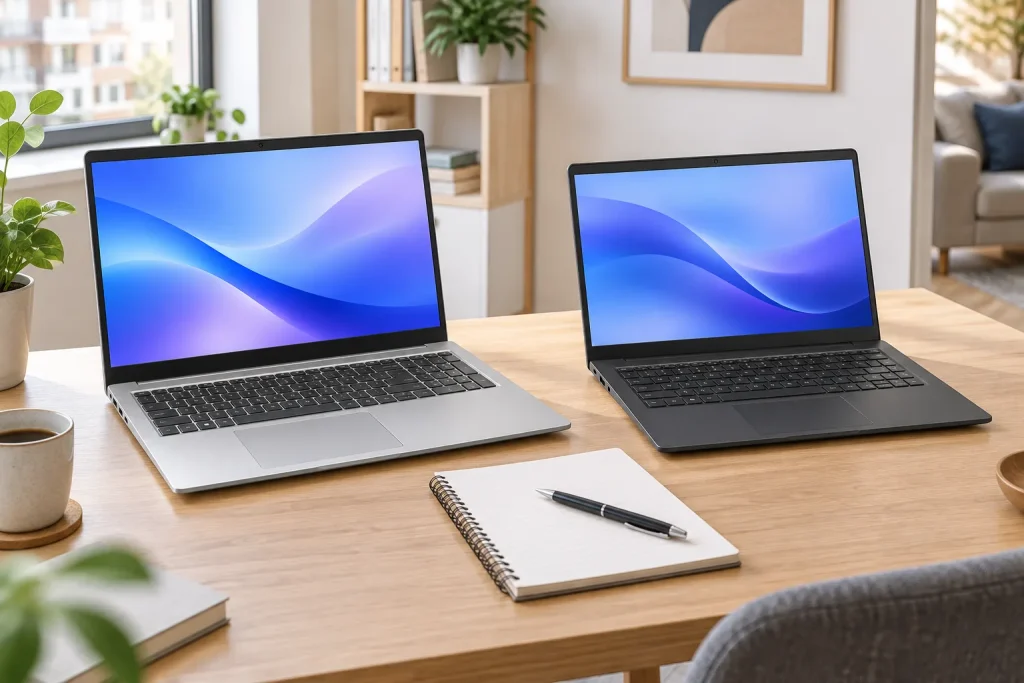
A 27-inch monitor is the most popular size we sell for a home office, and the question that follows is always the same: 1440p or 4K? The 4K model is sharper, costs more, and is not automatically the better buy. What decides it is how sharp text looks at your distance, how your computer scales it, and what your laptop can drive over one cable.
We worked on a 1440p and a 4K 27-inch monitor side by side for two weeks, with spreadsheets, documents and video calls, and swapped laptops between them. Here is when 4K really helps.
Sharpness is pixels per inch
Resolution alone says little. What your eyes notice is pixel density: how many pixels fit into an inch of screen. The same 4K resolution looks razor sharp on 27 inches and merely good on 32.
| Screen | Resolution | Pixels per inch | Typical scaling |
|---|---|---|---|
| 24″ | 1920 × 1080 | 92 | 100 % |
| 27″ | 2560 × 1440 | 109 | 100 % |
| 32″ | 3840 × 2160 | 138 | 125 % |
| 27″ | 3840 × 2160 | 163 | 150 % |
| 15.6″ Nordan Book 15 | 2880 × 1620 | 212 | 175 % |
At 109 pixels per inch and the usual 24 to 30 inches from your eyes, a 1440p monitor shows clean text with no visible pixels. Lean in to 12 inches and you can see the edges of letters soften; on the 4K panel you cannot. If you are used to a sharp laptop screen like the 3K OLED on the Nordan Air 14, you will notice the difference for the first day, then stop.
Scaling decides how much fits
A 4K monitor at 100 % shows tiny text, so almost everyone runs it at 150 %. That gives you the same amount of workspace as a 1440p monitor at 100 %, drawn with more pixels. In other words, 4K on 27 inches buys sharpness, not room: two documents side by side fit on both.
On Windows, a few older apps still look slightly blurry at 150 %. On a Mac the picture is different: macOS is designed around very high pixel density, and on a 1440p monitor its text looks softer than Windows text on the same screen. If you work on a Mac all day, 4K is easier to justify.
“For spreadsheets and email on Windows, 1440p at 27 inches is the sweet spot. Spend the difference on a monitor that charges your laptop over one cable.”
Rachel Owens, buying guides editor
What your laptop can drive over USB-C
One USB-C cable can carry the picture, the monitor’s USB ports and power for the laptop. Whether yours can, depends on the port:
- Check for video. The port needs DisplayPort over USB-C, Thunderbolt or USB4. A small DisplayPort or lightning bolt icon next to it is the clue; some budget laptops have USB-C for data and charging only.
- 1440p at 165 Hz works over most video-capable USB-C ports. 4K at 60 Hz does too; 4K at high refresh rates needs a newer port.
- Charging: the Klarvis 27Q delivers up to 90 W, enough to keep a 14- or 15-inch laptop charged through a working day. The Book 15 charged and showed the picture over one of its two USB-C 4.0 ports.
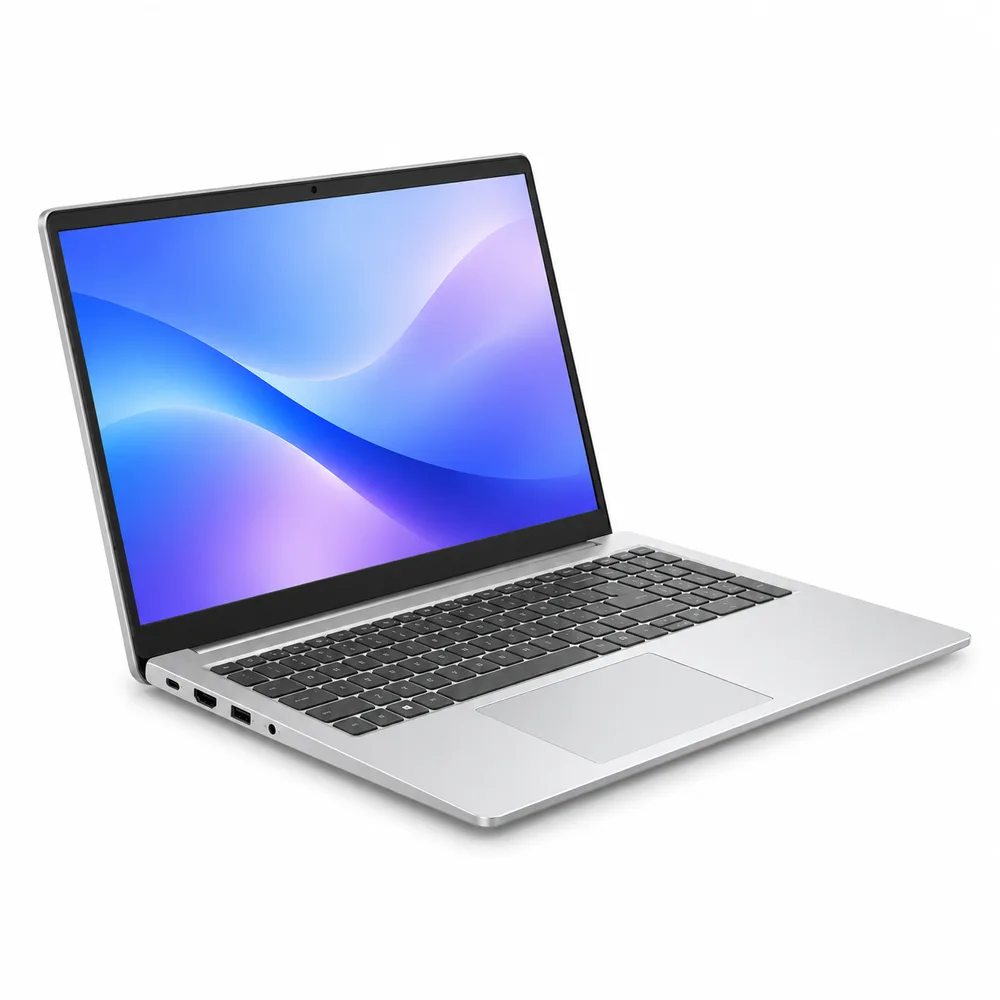
Gaming is the other argument for 1440p. A gaming laptop such as Nordan Strike 16, with an RTX 4060, runs most games at 1440p at high frame rates, which is what the 27Q’s 165 Hz is for. At 4K the same card has to drop settings. A gaming laptop also draws more than 90 W, so keep its own charger plugged in.
Our pick for most desks
For office work, school and some gaming, a 27-inch 1440p monitor with USB-C is the one to buy. Choose 4K if you work on a Mac, edit photos, or sit close to the screen.
Two details on the spec sheet matter more for daily work than the extra pixels. An IPS panel keeps colors and contrast even when you look at it from the side, which helps when someone leans in to look at your spreadsheet. And a high refresh rate is not only for games: at 165 Hz, scrolling a long document or dragging a window stays readable instead of smearing, and after two weeks the 60 Hz 4K panel next to it felt sluggish. At $299, the 27Q costs less than most 4K models with USB-C charging, and it qualifies for 12 months 0% APR.
If you are buying the laptop at the same time, our laptop guide explains which ports to look for.
-
Shop the story
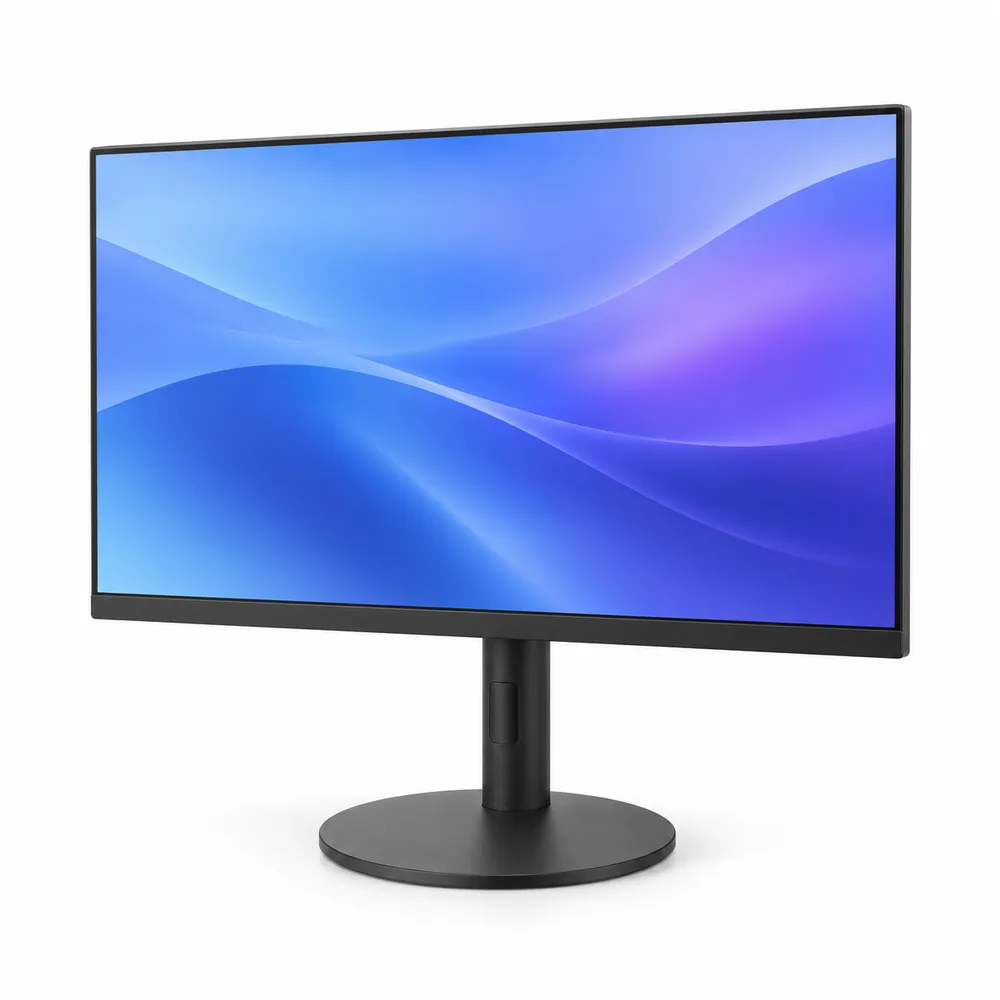
Klarvis 27Q 27″ QHD Monitor – 2560 × 1440, IPS, 165 Hz, USB-C 90 W
Original price was: $349.$299Current price is: $299.Ships in 1 business day
View: Klarvis 27Q 27″ QHD Monitor – 2560 × 1440, IPS, 165 Hz, USB-C 90 W