Description
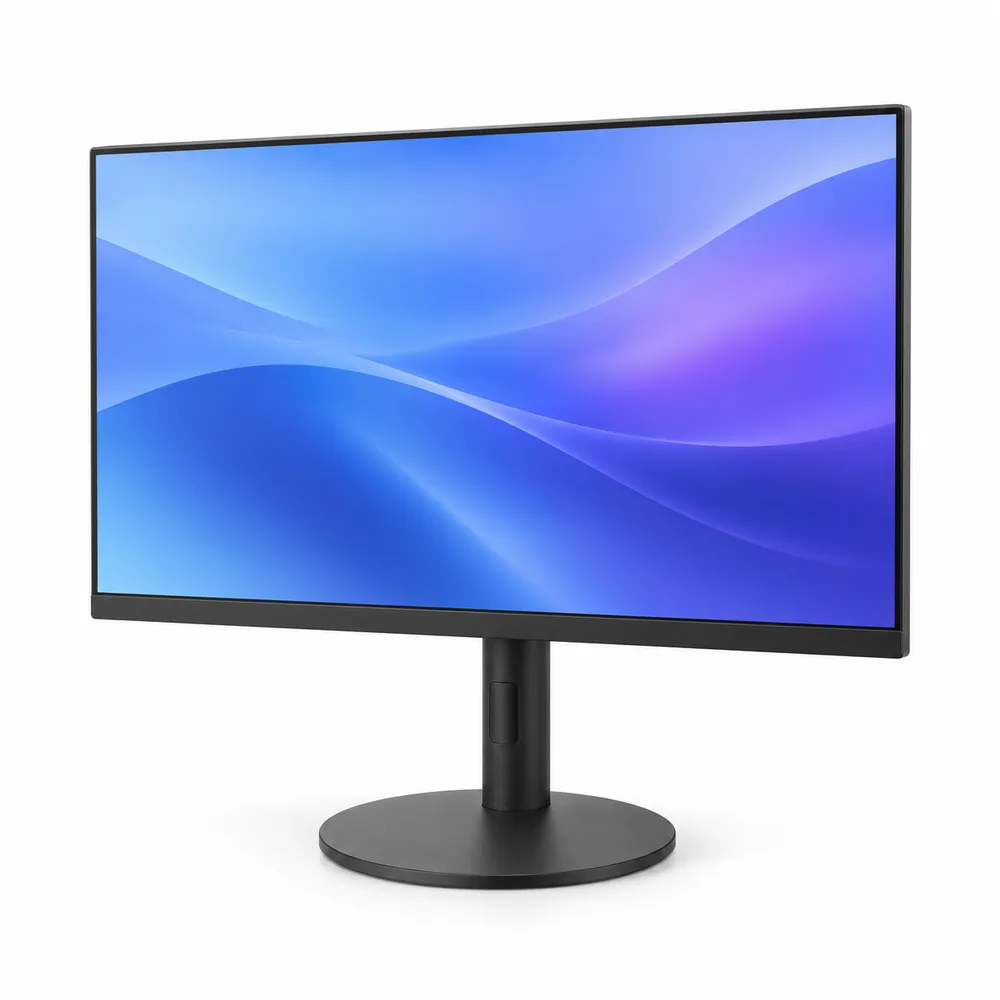
Klarvis 27Q is a 27″ QHD monitor for a home office that doubles as a gaming desk. At 2560 × 1440 it fits two documents side by side with readable text, and 165 Hz makes both games and everyday scrolling noticeably smoother than a standard 60 Hz screen. The thin bezels and the round base keep it from dominating a small desk.
At 27 inches, 1440p works out to about 109 pixels per inch, which is sharp at a normal arm’s-length viewing distance without the scaling 4K needs. We connected a Nordan Book 15 with one USB-C cable: the monitor showed the picture and kept the laptop charging through a full day of work. When 4K is worth paying for instead is in our guide to 27-inch monitors.
Connecting it
- USB-C with 90 W charging: one cable for a laptop that charges over USB-C, such as the Nordan Air 14
- DisplayPort for a desktop PC at the full 165 Hz
- HDMI 2.1 for a game console or a second computer
Setting it up
- Set the refresh rate to 165 Hz in your computer’s display settings; many default to 60 Hz
- On Windows, keep scaling at 100%; text is sized right at this resolution
- Place the top edge of the screen at or slightly below eye level
- For one-cable charging, use a USB-C cable rated for video and 100 W
Limits to know
The IPS panel keeps colors steady from an angle, which helps when two people look at the same spreadsheet; like most IPS screens, black looks dark gray in a dim room. A laptop drawing more than 90 W, such as a gaming laptop, still needs its own charger alongside the cable.

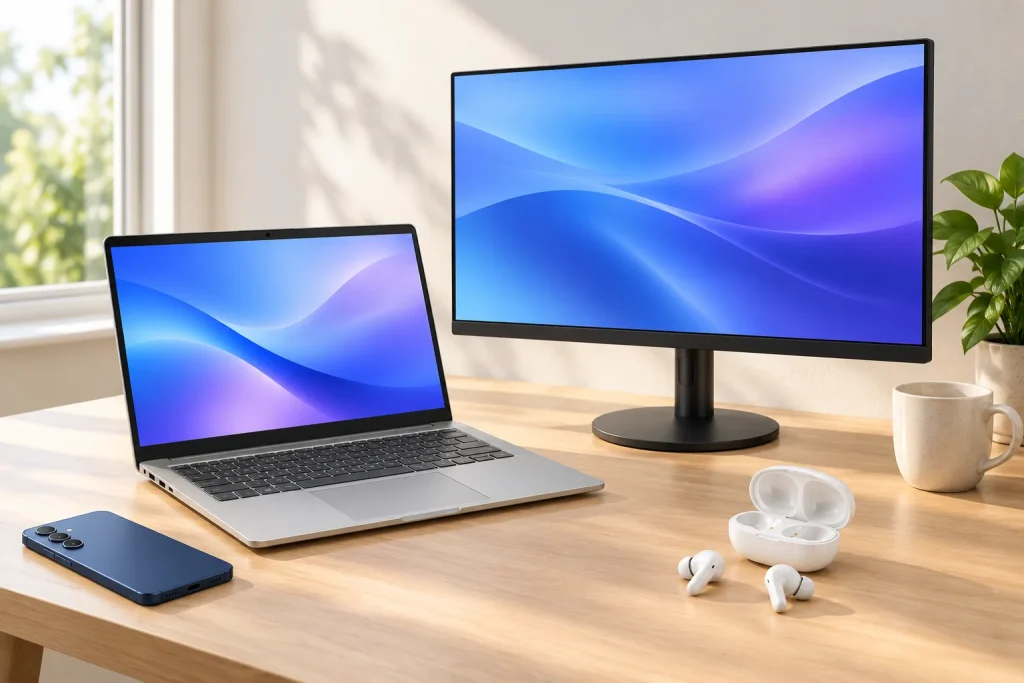 1: Nordan Book 15 Laptop – Ryzen 7 8845HS, 32 GB RAM, 1 TB SSD, 15.6" 2.8K 120 Hz
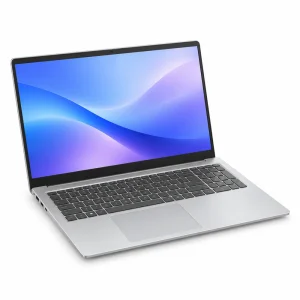 Nordan Book 15 Laptop – Ryzen 7 8845HS, 32 GB RAM, 1 TB SSD, 15.6" 2.8K 120 Hz32 GB · 1 TB$9992: Klarvis 27Q 27" QHD Monitor – 2560 × 1440, IPS, 165 Hz, USB-C 90 W
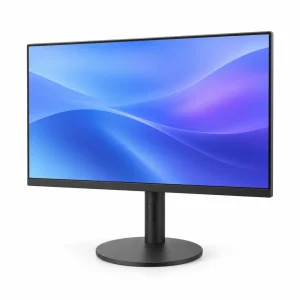 Klarvis 27Q 27" QHD Monitor – 2560 × 1440, IPS, 165 Hz, USB-C 90 W Original price was: $349.$299Current price is: $299.3: Aura Buds Pro True Wireless Earbuds – Noise Canceling, Bluetooth 5.3, White
 Aura Buds Pro True Wireless Earbuds – Noise Canceling, Bluetooth 5.3, White$1294: Veyra S6 Smartphone (Unlocked) – 8 GB/256 GB, 6.7" 120 Hz, 50 MP Camera, Navy
 Veyra S6 Smartphone (Unlocked) – 8 GB/256 GB, 6.7" 120 Hz, 50 MP Camera, Navy256 GB$599